


Charge and switch on
Charge it fully, turn on the power switch and wait for the voice prompt.
Real pet parents
Short clips from pet parents using the robot.
Overview
RoboCam Pro drives room to room, plays with your pet and returns to its base to recharge. Knock it over and it stands back up.
How it works
Three steps to see your pet.
Charge it fully, turn on the power switch and wait for the voice prompt.
Open the SriHome app, tap Add, join your 2.4GHz WiFi and hold the QR code on your phone up to the camera.
Steer it from your phone, talk to your pet and start laser, cat wand or play modes.
Features
Everything RoboCam does, plus it charges and rights itself.
Move
Watch
Play
Keep up
Which one?
RoboCam goes room to room. Pro adds self-charging, a sharper picture and more ways to play. A regular camera stays put.
Specs and box
 What's included
 Packaging
 Dimensions
Reviews
Based on 4,823 reviews
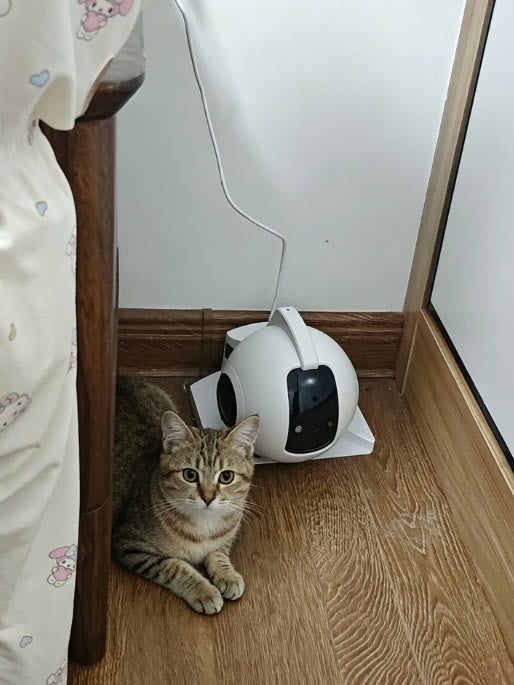
“Coco used to knock my old camera over all the time. This one just wobbles and stands back up. The one-tap return to the dock is so convenient, no more hunting for the cable.”

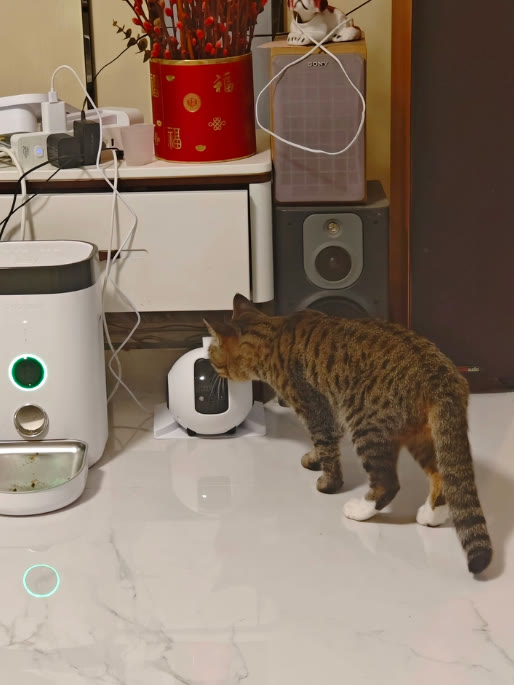
“The 4MP picture is really sharp, I can actually see her whiskers. The cat wand is a big hit with Nala, she attacks it every time I turn it on.”
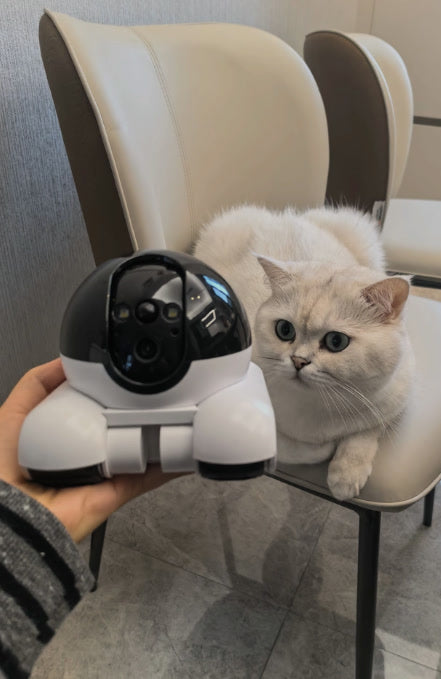
“I work 10-hour days and always wondered what Mochi does all day. Turns out she sleeps under my bed, which my old fixed camera could never see. Now I just drive over and say hi. Setup took about 10 minutes.”

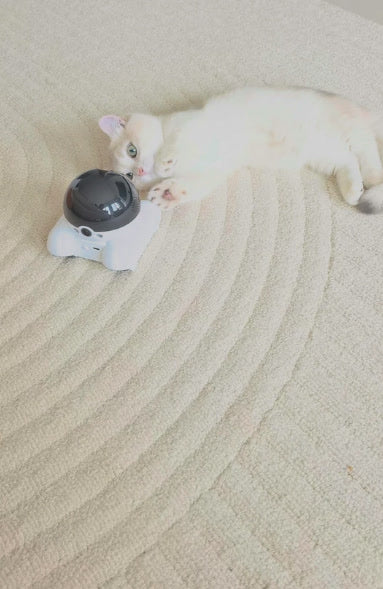
“Two views on the app at once is great. One lens watches the living room while the other checks the kitchen counter, which Teh is not allowed on. Caught him twice already.”
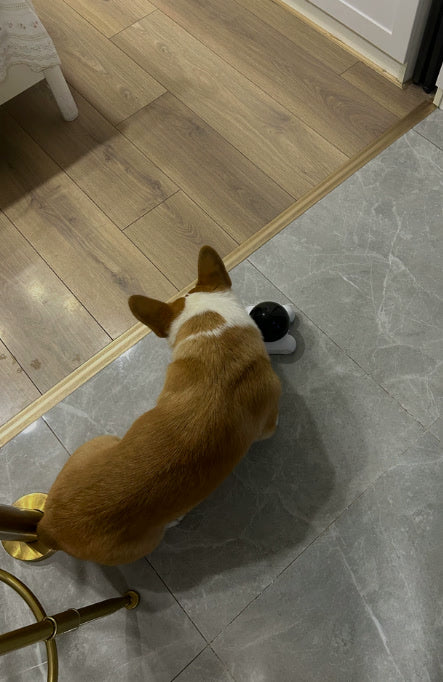
“Bruno gets anxious when I leave, so hearing my voice through the speaker really calms him. Only thing is I have to remember to charge it once a week.”
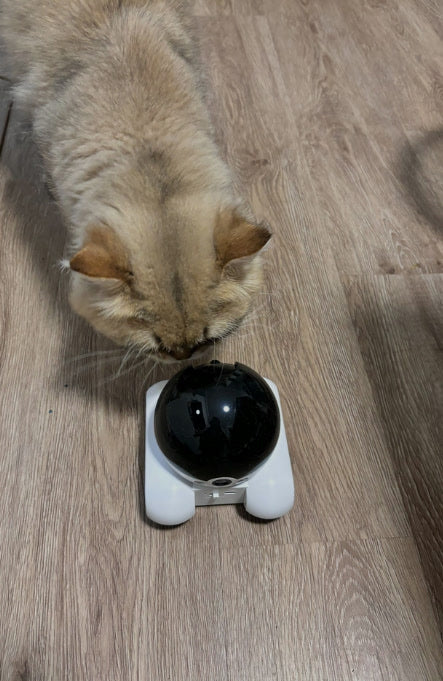
“The laser is the best part. I play with Luna during my lunch break. She now waits by the robot when it starts moving, haha.”

“Night vision is clearer than I expected. I checked on Snowy at 2am when I was travelling for work and could see her sleeping on the sofa.”
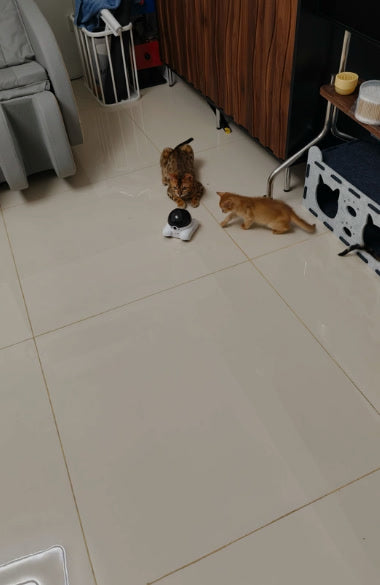
“Works well and the app is easy. Simba was scared of it for the first day but now follows it around. Wish the camera could tilt up a bit more to see the top of the shelf.”
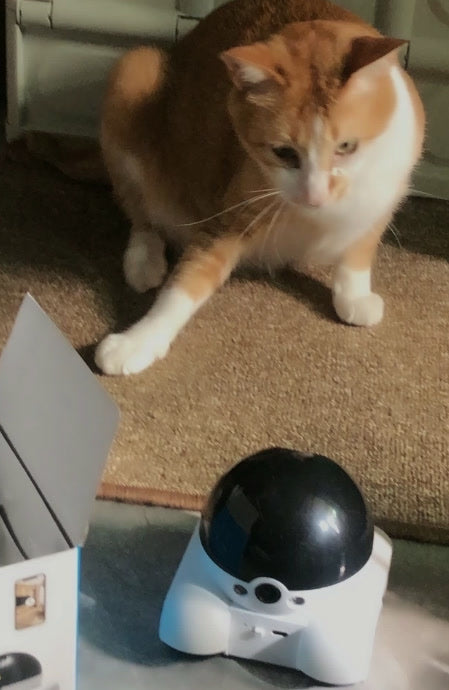
“Got it for my parents so they can see Oreo while I’m overseas. They’re not techy but managed the app fine after I shared access with them.”
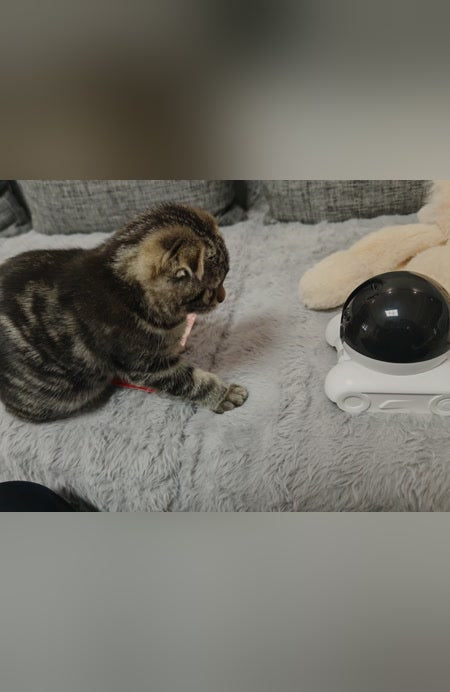
“Rented HDB room, can’t drill or run wires, so this was perfect. Just put it on the floor and it goes anywhere. Gets over my door sill no problem.”
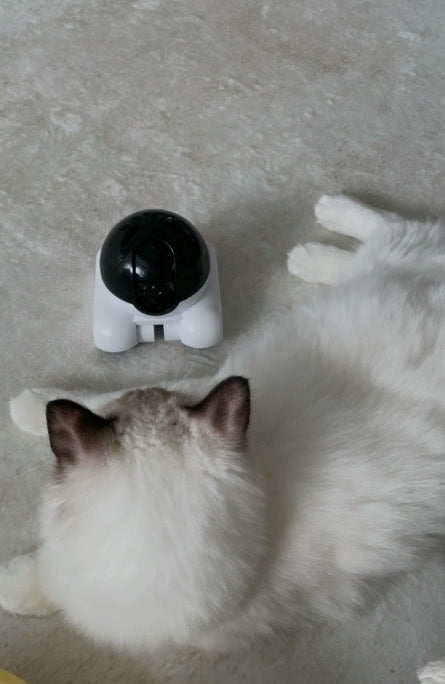
“Biscuit likes to sneak into the bedroom when I’m out. Now I can drive the robot in and tell him to get off the bed. The motion recording even saved a clip of him doing zoomies in the hallway.”
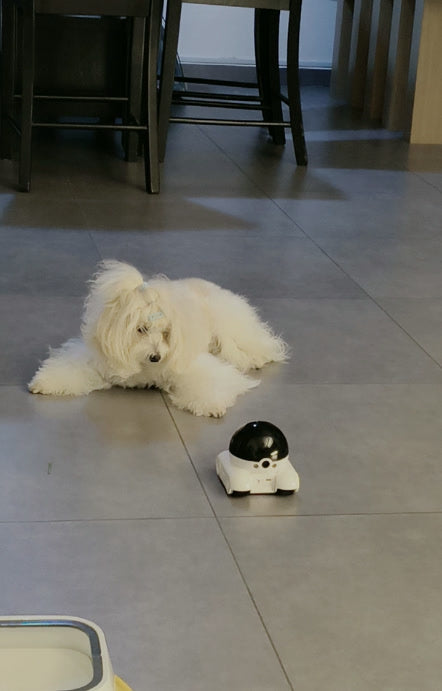
“Good value compared with the big brands. Picture is clear on my phone. Took a couple of tries to connect to WiFi (make sure you use 2.4GHz), but fine after that.”
As seen in

"Trust the reviews, customers love it."

"Sold out 11 times over the past year."

"One of the best customer support team out there."
Questions
RoboCam is great value, with two lenses. Pro adds self-charging, self-righting, a sharper 4MP camera, a cat wand and play modes.
No monthly fee. Record free to a microSD card. Cloud storage is optional and paid separately in the app.
Yes. It is made for cats and dogs. Other pets may be curious or nervous around a moving robot, so watch how yours reacts the first time.
You are covered by our 30-day money-back guarantee.
Delivery takes 1 to 3 working days worldwide.
Yes. RoboCam Pro connects to your home 2.4GHz WiFi (not 5GHz) and works with the SriHome app on iPhone and Android.
Yes. Up to 5 people can watch at once. You approve each person.
It records when its body-heat sensor detects movement, not non-stop. The factory schedule is 8pm to 7am, so set the hours you want, or all day, in the app settings.
Yes. Clips saved to the memory card can be replayed in the app by date. You can also take screenshots and save videos to your phone.
It is a low-power play laser. Never shine it into eyes, and always end play with a real toy so your pet gets the "catch".
No. You steer the laser and the chase live. You can also switch play patterns and adjust movement speed in the SriHome app.
Keep it within 5 metres of your WiFi router while you set it up and use 2.4GHz WiFi. Hold the QR code on your phone 10 to 30 cm from the camera until you hear the prompt tone. If it still will not connect, message us and we will help.
About 60 minutes of continuous driving and 15 days on standby. A full charge takes about 6 hours.
Yes. It returns to its charging dock to recharge.
Its tumbler design rights itself automatically.
Contact us
Not sure which RoboCam suits your pet? Message us and we will help.
Message us on WhatsAppGiving back
For every purchase, we donate S$1.50 to help rescued pets with meals, shelter and care.

30-day money-back guarantee. Delivery worldwide in 1 to 3 days.
Add a gadget and it will show up here.
Keep shopping